


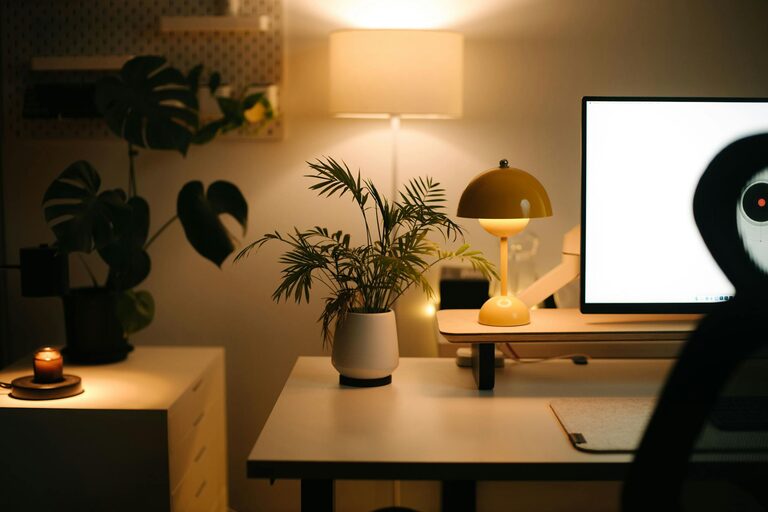
Creating a relaxing home workspace is essential for maintaining focus and boosting productivity, especially for those who spend significant time working remotely. A well-designed space can minimize distractions, reduce stress, and help you feel motivated throughout the day. In this post, we’ll explore practical tips to transform your home office into a calming and efficient environment.
Why a Relaxing Workspace Matters
Your surroundings have a significant impact on your mindset and work output. A cluttered or uncomfortable space can lead to stress and fatigue, while a soothing and organized area encourages creativity and concentration. By prioritizing relaxation in your workspace, you’re investing in your well-being and performance.
Choosing the Right Location
Finding the perfect spot in your home for work is the first step. Here are some factors to consider:
– Natural light: Set up near a window if possible. Natural light improves mood and reduces eye strain.
– Quiet environment: Choose a space away from noisy areas to minimize distractions.
– Privacy: A dedicated room or a corner with separation from living spaces can help you focus better.
If space is limited, consider using room dividers or noise-canceling headphones to create a more defined workspace.
Declutter and Organize
A clutter-free area helps your mind stay clear. Here’s how to keep your workspace tidy:
– Use storage solutions: Shelves, drawers, and boxes can keep papers and supplies organized.
– Limit decorations: Keep personal items to a minimum to avoid overcrowding.
– Daily clean-up: Spend a few minutes at the end of each day to put everything back in place.
Organizing digitally is important too. Manage your desktop and files to avoid digital clutter that can slow you down.
Invest in Comfortable Furniture
Comfort greatly affects productivity. Consider these furniture tips:
– Ergonomic chair: Choose one with good back support to maintain proper posture.
– Adjustable desk: Standing desks or adjustable-height desks offer flexibility.
– Proper desk size: Ensure there’s enough space for your computer, documents, and other essentials without feeling cramped.
The right furniture reduces physical discomfort and helps you work longer without fatigue.
Incorporate Calming Colors and Decor
Colors influence mood and energy levels. For a relaxing workspace:
– Choose soft, neutral colors: Shades of blue, green, or beige create a calming atmosphere.
– Add plants: Indoor plants improve air quality and add a touch of nature.
– Keep decor simple: Art or décor that inspires without overwhelming supports a peaceful environment.
Avoid overly bright or busy patterns that can cause distraction.
Enhance Lighting
Besides natural light, proper artificial lighting is important:
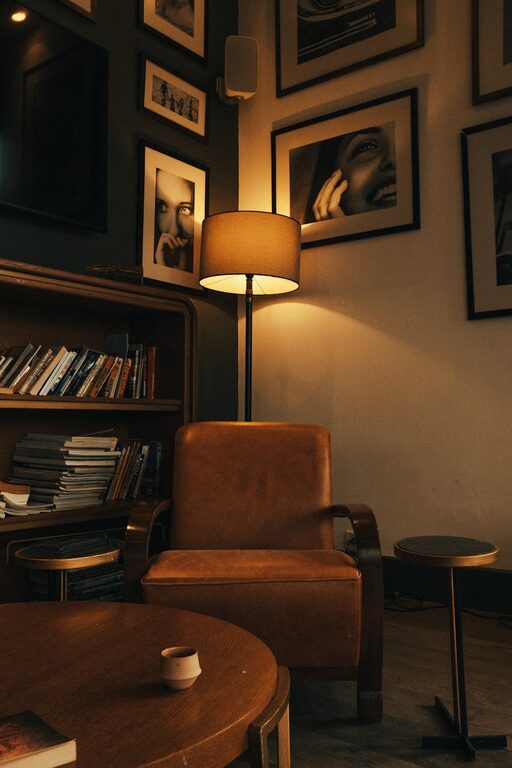
– Use soft, warm lights: Avoid harsh fluorescent lights that strain your eyes.
– Task lighting: A desk lamp with adjustable brightness can help when working on detailed tasks.
– Reduce glare: Position screens and lights carefully to avoid reflections.
Good lighting keeps you alert and reduces headaches.
Minimize Noise Distractions
Background noise can disrupt concentration. To keep your space quiet:
– Use rugs or curtains: Soft furnishings absorb sound.
– White noise machines or apps: These can mask sudden noises.
– Noise-canceling headphones: Perfect for blocking out distractions if the environment is noisy.
A calm auditory space helps maintain a steady workflow.
Personalize Thoughtfully
While minimizing clutter is key, adding personal touches makes the space welcoming:
– Photos or inspiring quotes: Place a few meaningful items on your desk or walls.
– Favorite mug or stationery: Choose functional items you enjoy using.
– Scent: A subtle, calming scent like lavender can be pleasant without overwhelming.
Personalization boosts comfort and motivation, making work feel less like a chore.
Set Up Technology Efficiently
Technology can either aid or hinder productivity. To optimize your tech setup:
– Organize cables: Use clips or sleeves to keep cords neat.
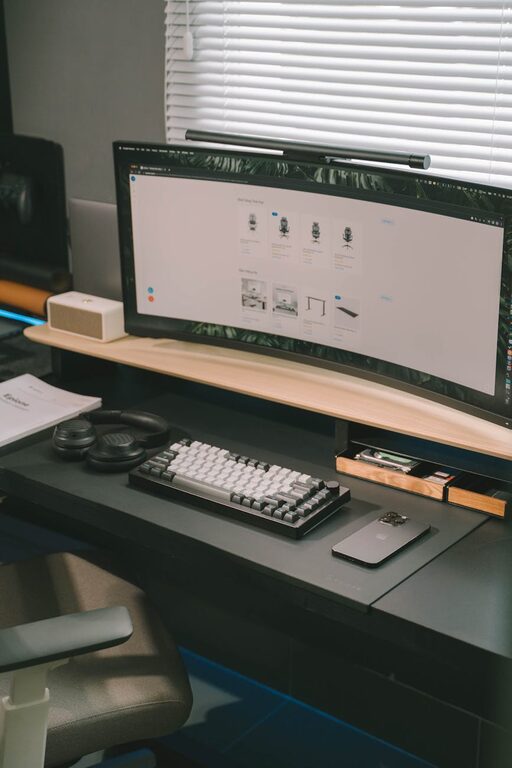
– Have necessary accessories: A good keyboard, mouse, and headset improve ease of use.
– Ensure strong internet connection: Reliable Wi-Fi avoids interruptions during calls or uploads.
Keeping technology in order reduces frustration and helps you focus on your tasks.
Establish Boundaries and Routine
Creating a relaxing workspace is also about habits:
– Define work hours: Keeping consistent hours helps separate work life from home life.
– Take breaks: Step away regularly to stretch or relax your mind.
– Clear start and end of day rituals: Tidying your desk or arranging your to-do list signals the beginning and end of work time.
These boundaries support mental clarity and prevent burnout.
Final Thoughts
Building a relaxing home workspace is a valuable investment in your productivity and well-being. By selecting the right location, keeping things organized, using comfortable furniture, and personalizing your space thoughtfully, you can create an environment that helps you work effectively and feel good doing it. Start with small changes and adjust based on what feels best for you.
Your workspace should work for you—calm, comfortable, and conducive to your best work.