



Creating a productive home office environment is essential for anyone working remotely or managing tasks from home. A well-designed workspace can improve your focus, reduce distractions, and make your workday more enjoyable. Below, you’ll find useful tips and ideas to help you build a home office that supports your productivity and well-being.
Choose the Right Space
Find a Dedicated Area
Select a spot in your home where you can work consistently. Ideally, this space should be separate from areas associated with relaxation or entertainment to create a mental boundary between work and personal life.
Consider Natural Light
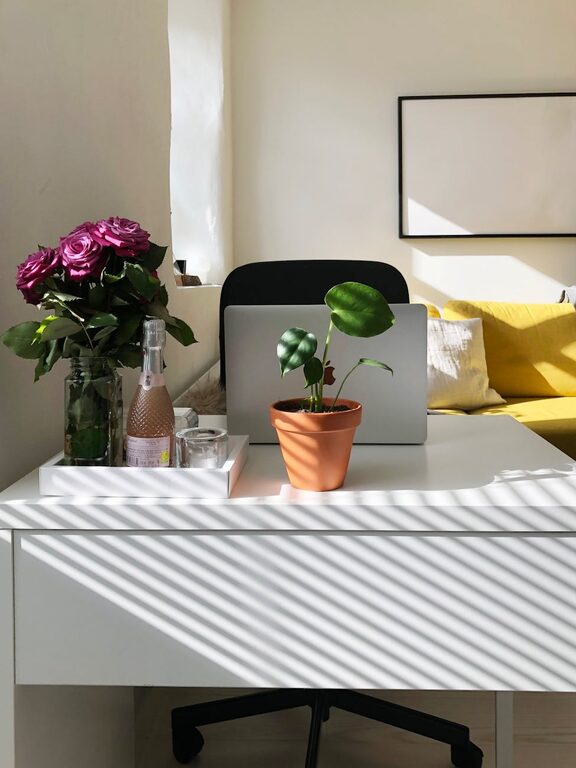
A workspace with plenty of natural light can boost your mood and energy levels. If possible, position your desk near a window. When natural light isn’t an option, invest in quality artificial lighting that mimics daylight.
Invest in Comfortable Furniture
Ergonomic Chair
A chair that supports your back and encourages good posture is a must-have. Look for an adjustable chair with lumbar support to keep you comfortable during long working hours.
Functional Desk
Choose a desk that fits your space and accommodates your work essentials. Whether you prefer a standing desk or a traditional one, make sure it has enough surface area for your computer, documents, and accessories.
Organize Your Workspace
Declutter Regularly
A tidy desk helps minimize distractions. Keep only the items you use daily within arm’s reach and store other supplies in drawers or organizers.
Use Storage Solutions
Use shelves, filing cabinets, or baskets to store paperwork and office materials. Label containers to quickly find what you need and maintain order.
Cable Management
Keep cords and cables neat with clips or sleeves. This not only improves the appearance of your desk but also prevents tangling and potential damage.
Minimize Distractions
Noise Control
If background noise is an issue, consider noise-canceling headphones or soft background music to help you concentrate. Some people find white noise machines or apps helpful for masking disruptive sounds.
Set Boundaries
Communicate your working hours with family or housemates. Use signs or signals to indicate when you should not be disturbed.
Personalize Your Space
Add Plants
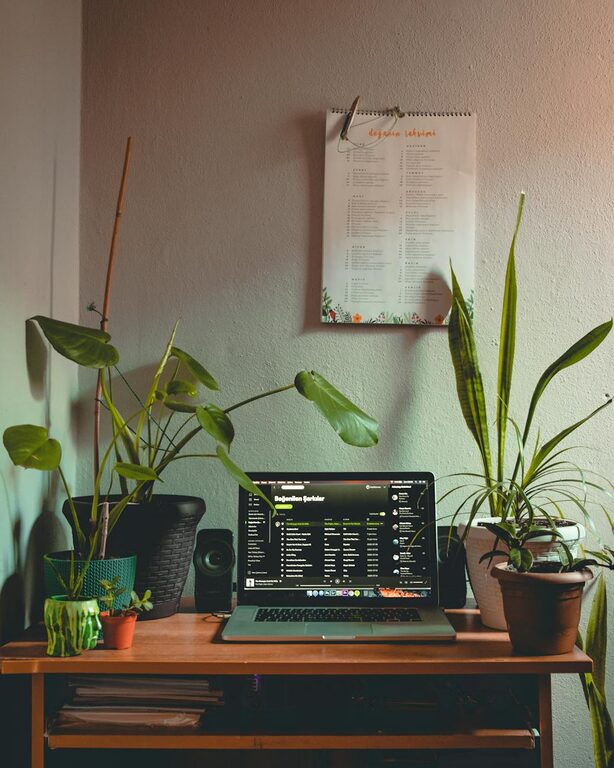
Indoor plants can purify the air and bring a touch of nature indoors, creating a calming atmosphere.
Decorate Thoughtfully
Choose artwork, photos, or inspiring quotes that motivate you, but avoid overcrowding your space. A few meaningful items can boost creativity without causing visual clutter.
Prioritize Technology and Connectivity
Reliable Internet
A stable internet connection is crucial for video calls, file sharing, and online research. If Wi-Fi strength is weak in your home office area, consider a wired connection or signal booster.
Use Quality Equipment
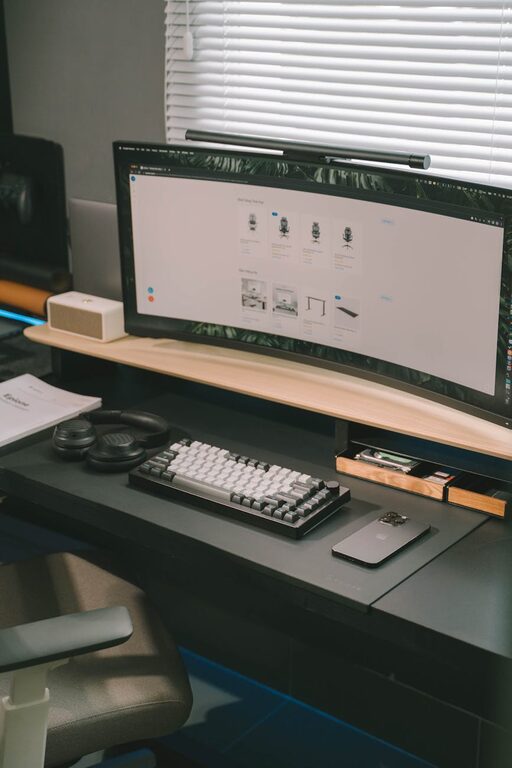
Invest in a good computer, monitor, keyboard, and mouse that suit your work style. Proper technology can reduce frustration and increase efficiency.
Establish a Routine
Set Regular Hours
Creating a consistent schedule helps your mind switch into work mode and maintain productivity. Start and end your workday at similar times.
Take Breaks
Short breaks during work hours improve focus and prevent burnout. Try stretching, walking, or simple breathing exercises to refresh your body and mind.
Pay Attention to Ergonomics
Monitor Placement
Position your monitor at eye level about an arm’s length away. This helps avoid neck strain and eye fatigue.
Keyboard and Mouse Position
Keep your keyboard and mouse at a height that allows your wrists to stay straight and your arms close to your body.
Posture Tips
Sit with your feet flat on the floor, knees at a 90-degree angle, and back straight. Using a footrest can help if your feet don’t reach the floor comfortably.
Keep Healthy Habits
Stay Hydrated
Keep a water bottle nearby and drink regularly throughout the day.
Healthy Snacks
Stock your office with nutritious snacks to maintain energy without unnecessary sugar crashes.
—
Designing a home office space that blends comfort, organization, and technology can transform how you work. By following these practical tips, you’ll create an environment that supports your productivity, keeps distractions at bay, and enhances overall job satisfaction. Remember, the key is to tailor your workspace to your unique needs and preferences, ensuring it works for you day after day.