


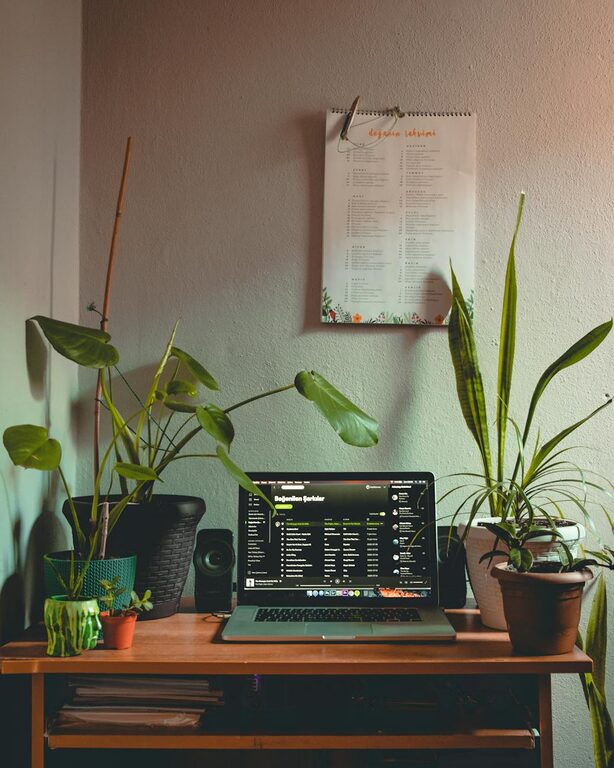
Creating a relaxing home workspace is key to maintaining productivity and focus throughout the day. A cluttered, noisy, or uninspiring workspace can easily lead to distractions, stress, and lower efficiency. Fortunately, with a few thoughtful adjustments, you can design a space that not only supports your work goals but also helps you feel calm and refreshed.
In this post, we’ll explore practical tips to create a relaxing home workspace that promotes productivity and well-being.
Why a Relaxing Workspace Matters
Your environment directly affects your mood and productivity. When your workspace feels peaceful and inviting, you naturally stay more focused and motivated. On the other hand, stress and discomfort cause fatigue, making it harder to accomplish tasks effectively.
A relaxing workspace:
– Reduces stress and anxiety
– Improves concentration
– Encourages creativity
– Supports a healthy work-life balance
Choosing the Right Location
Start by selecting a spot in your home that can be dedicated mostly to work. Here are some factors to consider:
Quiet and Private
Choose an area with minimal foot traffic and noise, especially if you need to make calls or join video meetings regularly. A door or room divider can help create privacy and reduce interruptions.
Natural Light
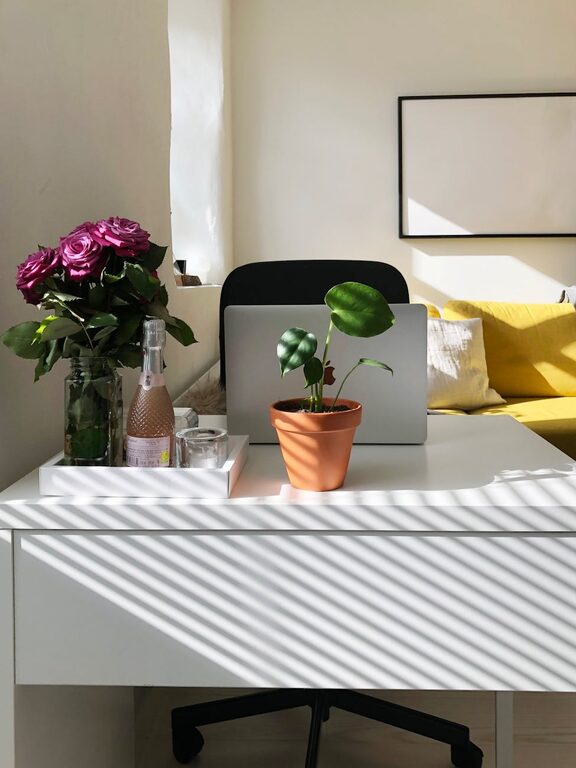
Try to position your desk near a window with natural light. Natural light not only improves mood but also reduces eye strain. If natural light is limited, consider investing in a daylight-balanced lamp that mimics sunlight.
Comfortable Temperature and Ventilation
Make sure your workspace isn’t too hot or cold and that fresh air circulates. Good ventilation helps keep your mind alert and body comfortable during long work sessions.
Ergonomic Furniture and Layout
A comfortable setup prevents aches and promotes longer focus periods.
– Desk: Choose a desk at a height where your forearms rest parallel to the floor. Adjustable desks are ideal if you want to alternate between sitting and standing.
– Chair: Invest in an ergonomic chair that supports your lower back. Your feet should rest flat on the floor or on a footrest.
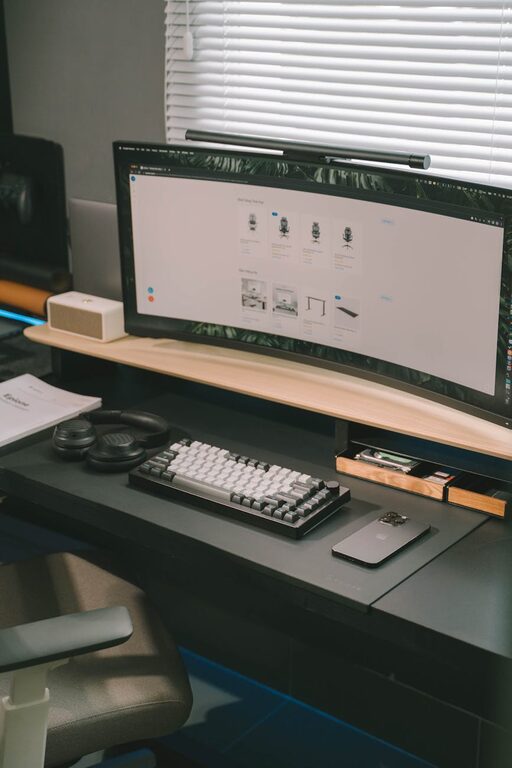
– Monitor placement: Position your monitor so the top is at or slightly below eye level and about an arm’s length away. This helps reduce neck strain.
– Keyboard and mouse: Keep them close enough so your elbows remain close to your sides. Wrist rests can add comfort.
Organize and Declutter
A tidy workspace creates a calming effect and reduces mental clutter.
– Use storage solutions: Drawers, shelves, or boxes can keep supplies and papers neat.
– Limit what’s on your desk: Keep only daily essentials visible. Store other items out of sight.
– Cable management: Use clips or cord organizers to prevent tangled wires and clutter.
– Regular cleaning: Make it a habit to tidy up your workspace at the end of each day.
Personalize Thoughtfully
Adding a few personal touches can make your space welcoming without distracting you.
– Plants: Small indoor plants bring fresh air and a splash of green for a soothing effect.
– Artwork or photos: Select calming images or inspirational quotes to motivate you.
– Decor: Keep it simple to avoid overstimulation—soft colors and natural materials work well.
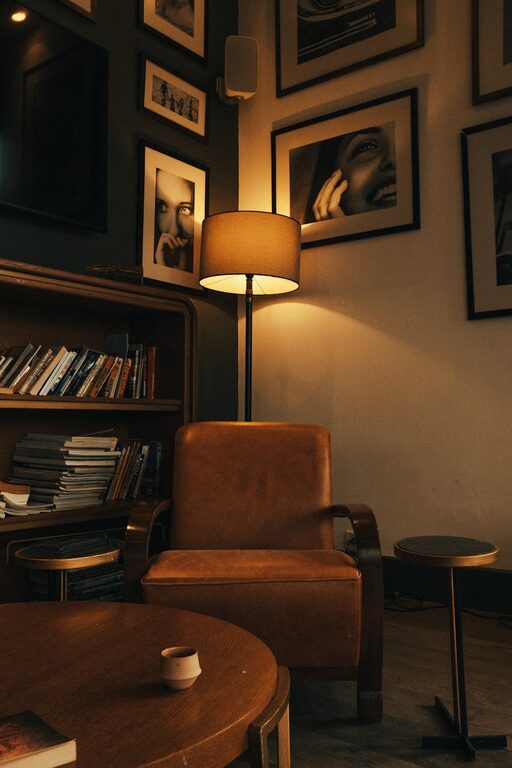
– Lighting: Adjustable warm lights or desk lamps help set a cozy ambiance during darker hours.
Manage Noise Levels
Depending on your needs, consider options to enhance or reduce sound in your workspace.
– Noise-cancelling headphones: Great for blocking distractions or listening to focus music.
– White noise machines or apps: These can mask background noise and create a steady auditory environment.
– Soft furnishings: Rugs, curtains, and cushions help absorb sound and reduce echoes.
Establish Clear Work Boundaries
To maintain relaxation and focus, it’s important to set boundaries within your home workspace.
– Designate work hours: Keep regular start and end times to separate work and personal time.
– Avoid non-work activities: Refrain from eating, watching TV, or other leisure activities at your desk.
– Inform family or housemates: Let others know when you are working to minimize interruptions.
Incorporate Breaks and Movement
Even in a relaxing space, sitting too long can increase stress and fatigue.
– Schedule short breaks: Stand up and stretch every hour.
– Move your body: Try simple exercises, walk around the room, or do breathing exercises to recharge.
– Change your environment: If possible, take breaks outside or in a different room to refresh your mind.
Use Technology Wisely
Technology can help or hinder relaxation and productivity depending on how you use it.
– Limit notifications: Turn off non-essential alerts during focused work periods.
– Use productivity tools: Timers, task lists, and focus apps can help you manage work efficiently.
– Ergonomic accessories: Consider a separate keyboard or mouse to improve comfort.
—
Final Thoughts
Creating a relaxing home workspace is a process of trial and adjustment. By prioritizing comfort, organization, and personal style, you’ll develop a space that supports your best work and promotes well-being. Remember that small changes add up, so start with one or two tips that resonate and build from there.
A calm, welcoming environment can make all the difference in staying motivated and productive while working from home. Take the time to design a workspace where you enjoy spending time—it’s an investment in both your work and your health.