


Creating a well-organized, clutter-free workspace at home can significantly improve your productivity and overall work experience. Whether you’re working remotely full time or occasionally, a tidy and efficient workspace helps reduce distractions, save time, and promote focus. In this post, we’ll explore practical tips to help you design and maintain an effective home office space.
Why a Clutter-Free Workspace Matters
A cluttered workspace can be overwhelming and distracting. When your desk is messy, it’s harder to find important documents or tools, which slows down your work and can increase stress. Conversely, a clean and organized workspace encourages clear thinking, creativity, and efficient task management.
Step 1: Choose the Right Location
Finding the right spot in your home for your workspace is the first step. Here are some important factors to consider:
– Quiet and Low Traffic: Pick a location away from noisy areas like the kitchen or living room where distractions are common.
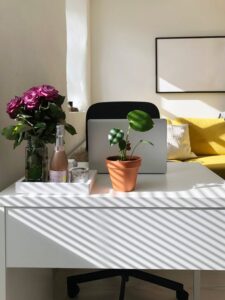
– Natural Light: Position your desk near a window if possible, as natural light can boost mood and reduce eye strain.
– Comfort: Ensure there’s enough space for your chair and supplies, allowing you to move comfortably.
Step 2: Declutter and Sort
Before setting up your workspace, declutter thoroughly:
– Remove Unnecessary Items: Take everything off your desk and only return what you need daily.
– Sort Supplies: Group similar items like pens, paper, and electronics together.
– Create a Filing System: Use folders or organizers for important documents based on categories such as bills, projects, or manuals.
Step 3: Invest in Functional Furniture and Storage
The right furniture plays a big role in organization and comfort:
– Ergonomic Chair: Choose a chair that supports good posture to avoid discomfort during long hours.
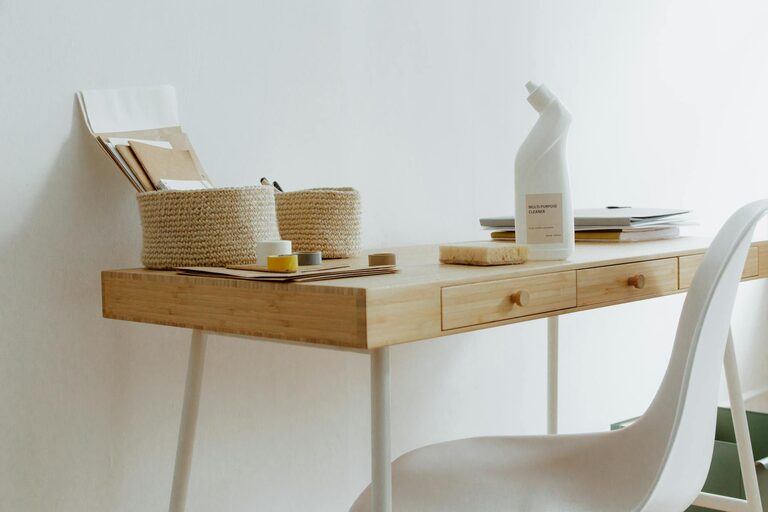
– Desk with Drawers: A desk with built-in drawers or shelves can store supplies without cluttering the surface.
– Storage Solutions: Use shelves, bins, or drawer dividers to keep everything labeled and neatly arranged.
Step 4: Optimize Desk Layout
Arrange your desk items for easy access and minimal clutter:
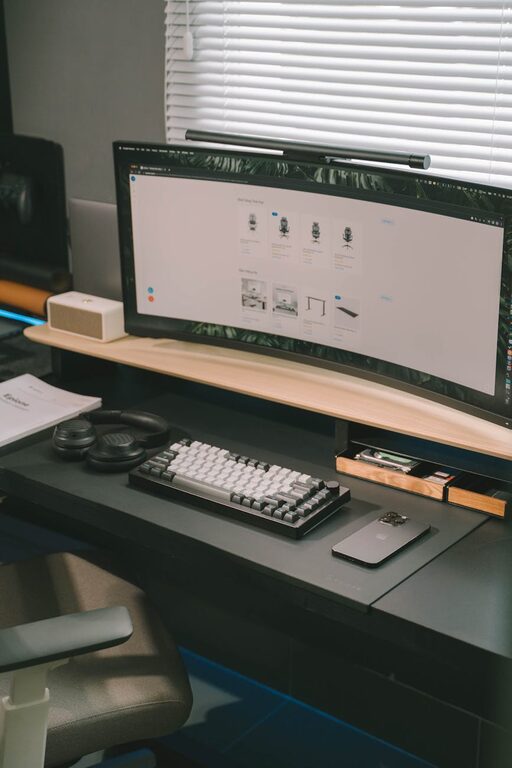
– Keep Essentials Handy: Place frequently used items like your computer, phone, and notepads within arm’s reach.
– Cable Management: Use clips or sleeves to organize cords and prevent tangling.
– Limit Decorations: While personal touches make your space inviting, avoid overcrowding your desk.
Step 5: Use Digital Tools to Reduce Paper Clutter
Minimize physical paperwork by embracing digital tools:
– Go Paperless: Scan important documents and store them in organized folders on your computer or cloud storage.
– Task Management Apps: Use apps like Trello or Todoist to keep track of tasks and deadlines.
– Digital Note-Taking: Replace sticky notes with apps such as Evernote or OneNote.
Step 6: Establish Daily and Weekly Routines
Maintaining an organized workspace requires consistent effort:
– Daily Tidy Up: Spend 5-10 minutes at the end of each workday to clear your desk and put items back in place.
– Weekly Review: Once a week, review your filing system, supplies, and digital files to keep everything current and organized.
Additional Tips for Staying Focused and Productive
– Use a Desk Planner or Calendar: Keep track of appointments and deadlines without cluttering your desk.
– Incorporate Plants: Small plants can improve air quality and create a calming atmosphere.
– Set Boundaries: Inform family or roommates of your work hours to minimize interruptions.
Final Thoughts
An organized, clutter-free workspace isn’t just about aesthetics—it’s a practical approach that enhances your ability to work efficiently and comfortably at home. By choosing the right location, decluttering regularly, and using smart storage solutions, you can create a home office space that helps you stay on top of your tasks and enjoy your workday. Try these tips and adjust them as needed to suit your personal preferences and work habits.